
Top PC Games That Play Better With a Controller Than Mouse and Keyboard
Navigate this article
Introduction
Look, let's be completely honest for a second. If you grew up playing games on a computer, you were probably fed a very specific narrative. For decades, the community operated under the strict dogma that the precision of a gaming mouse and the endless inputs of a mechanical keyboard represented the absolute pinnacle of the medium.
Equipping a gamepad was seen as a downgrade a compromise reserved for those who just didn't understand the superiority of the desktop setup. But as the PC ecosystem has evolved into a unified hub for literally every gaming platform on the planet, that rigid perspective has completely shattered.
The modern gaming rig is no longer just a workstation. It is the ultimate universal console capable of running everything from intense competitive tactical shooters to sweeping cinematic adventures. With this massive evolution comes the realization that not all software is designed for the binary clicks of the WASD keys. Entire genres are fundamentally built from the ground up around the nuanced input of analog sticks, the rhythmic flow of face buttons, and the ergonomic comfort of a handheld device.
The debate is no longer about which input method is universally superior across the board. It is about which tool is the correct choice for the specific job you are trying to do.
Top 10 Quick Picks: PC Games That Demand a Gamepad
If you are looking to skip straight to the software that justifies plugging in a controller, here is the elite roster:
- Elden Ring (Action RPG / Soulslike)
- Black Myth: Wukong (Action RPG)
- God of War Ragnarok (Character Action)
- Sifu (Beat 'em up / Martial Arts)
- Monster Hunter Wilds (Co-op Action RPG)
- Cyberpunk 2077 (Action RPG / Driving Hybrid)
- Outer Wilds (Space Exploration / Physics)
- Hades 2 (Isometric Roguelike)
- Hollow Knight (Metroidvania)
- Rocket League (Vehicular Sports)
Top Amazon PC Controllers Every Gamer Should Know About (Budget to Pro Picks)
Discover the best PC game controllers on Amazon, from budget-friendly picks to pro-level models. Find expert insights and top picks every gamer should know.
Read article →Quick Comparison: The Right Tool for the Genre
| Genre / Mechanic | Best Input Method | Why It Wins |
|---|---|---|
| First-Person Shooters | Mouse & Keyboard | Pinpoint crosshair aiming, flick shots, massive keybinding options. |
| Soulslikes & Action RPGs | Controller | 360-degree analog dodge rolling, centralized combo buttons. |
| Isometric Platformers | Controller | Fluid evasion, continuous directional adjustments. |
| Driving & Flying | Controller | Analog triggers for variable throttle, analog sticks for smooth steering. |
| Grand Strategy & RTS | Mouse & Keyboard | Rapid menu navigation, multi-unit selection dragging. |
The Elite Roster Breakdown
The true value of a premium controller becomes immediately apparent the second you boot up the correct software. While tactical shooters will always remain the domain of the mouse and keyboard, the following genres showcase exactly why a gamepad is an essential component of any serious setup.
Third-Person Action RPGs and Soulslikes
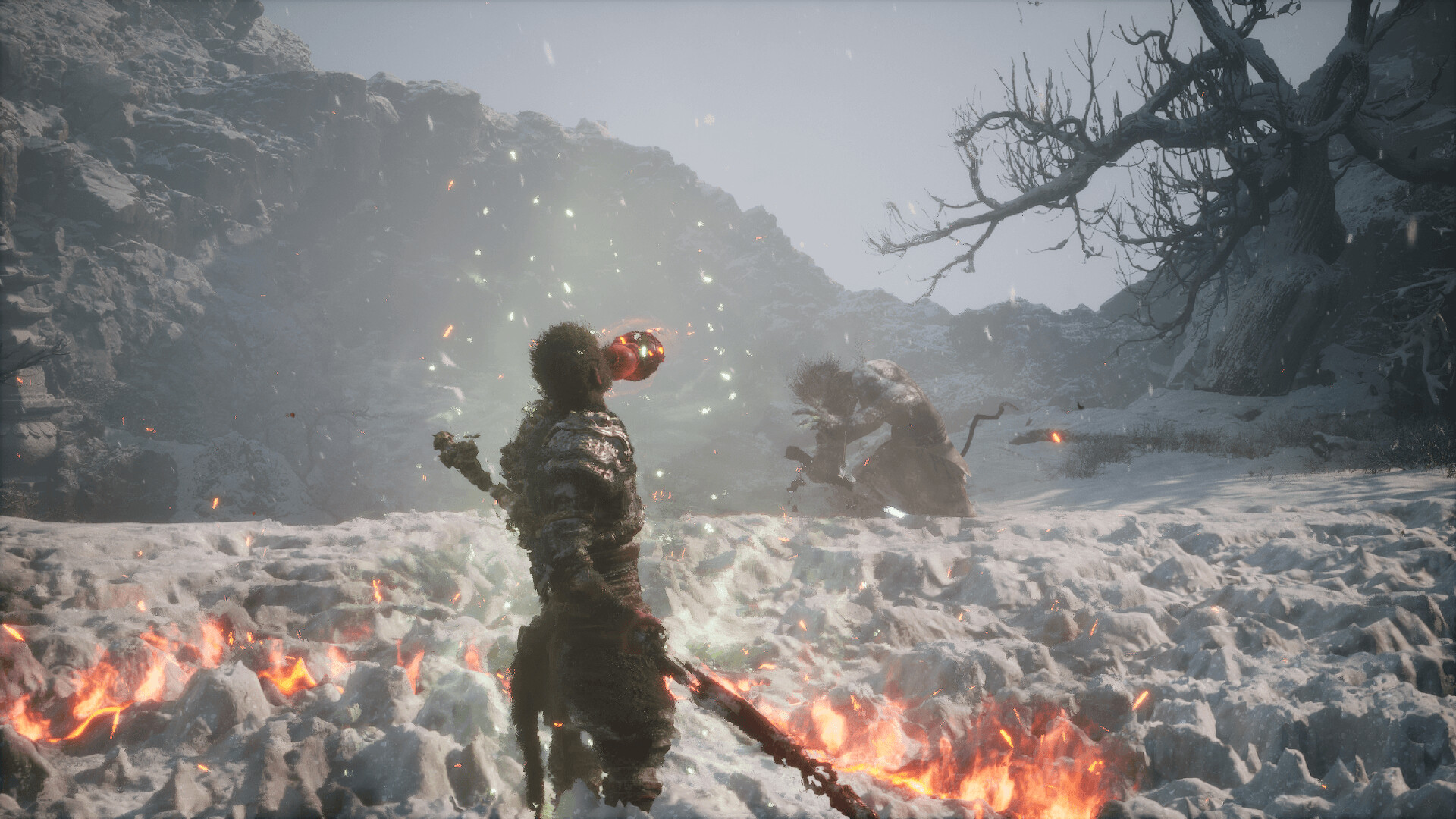
The modern Action RPG genre is heavily optimized for controller input. Games like Elden Ring and Black Myth: Wukong rely on spatial positioning, evasion, and rhythmic combat rather than pinpoint crosshair aiming.
- Elden Ring: The lock-on mechanic actively negates the primary advantage of a mouse. Once locked onto a boss, your focus shifts to perfectly timed dodges. The analog stick allows for pixel-perfect positional adjustments, enabling you to circle enemies fluidly. Playing this on a keyboard often feels like you are fighting the controls rather than the boss.
- Black Myth: Wukong: Combat requires fluid transitions between stances and complex combos. Keyboard players often report feeling overwhelmed by the sheer number of distinct keybinds. A gamepad centralizes these inputs around your thumbs and index fingers, drastically reducing cognitive load.
Character Action and Hack-and-Slash Epics
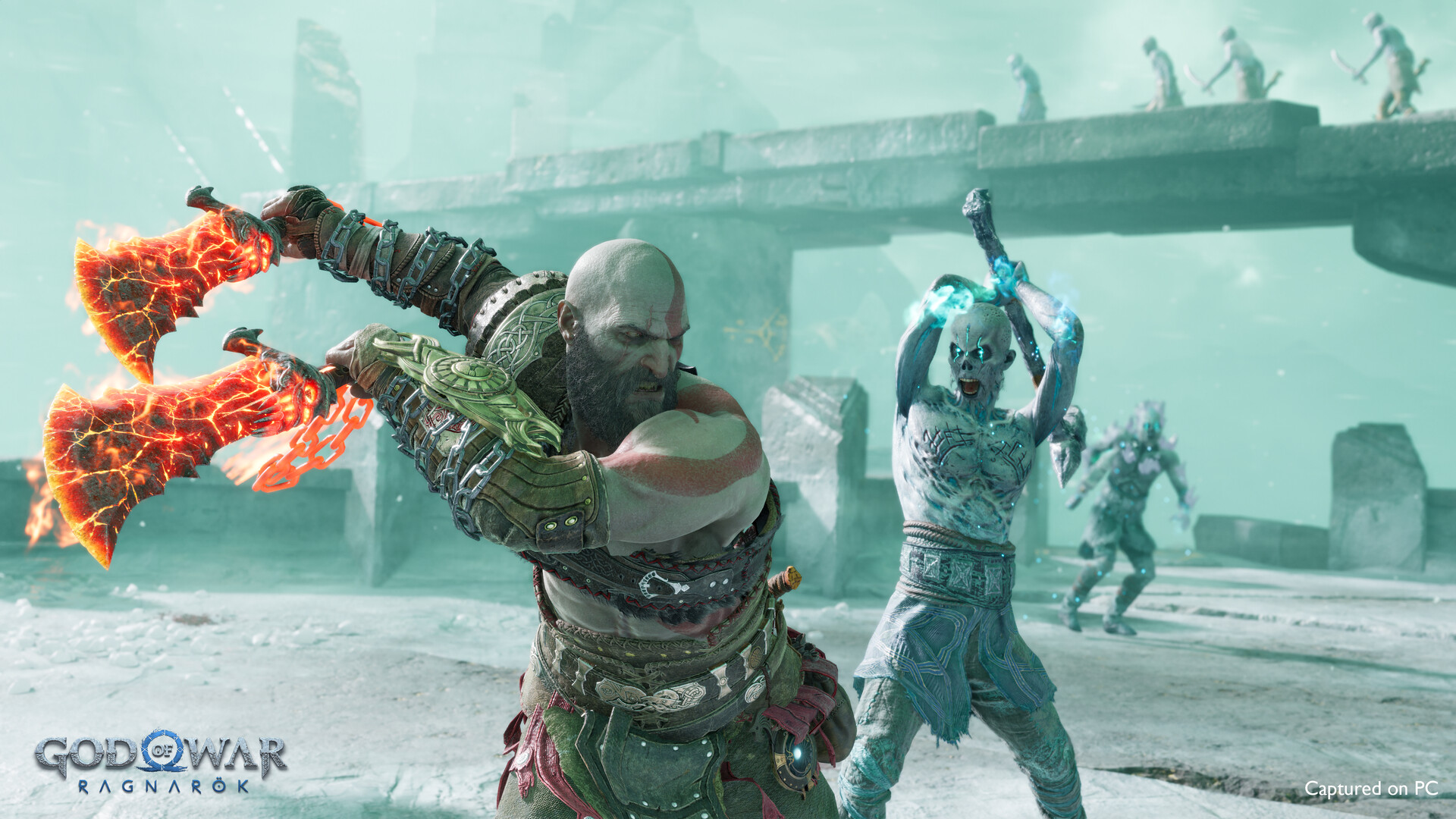
Titles like God of War Ragnarok and Sifu represent the absolute pinnacle of stylized combat, built upon combo systems that require rapid sequential button presses.
- God of War Ragnarok: The brutal combat depends on juggling enemies and fluidly switching weapons. Executing complex maneuvers like Spartan Rage on a keyboard feels inherently clunky compared to clicking in both thumbsticks. Plus, the tactile feedback of landing a heavy axe blow through a controller's rumble motors adds kinetic satisfaction that a mouse click lacks.
- Sifu: This martial arts masterclass requires intense focus on parrying and defensive weaving. The analog stick allows for intuitive dodging, while face buttons handle rhythmic strikes. Attempting to replicate this choreography on an 8-way keyboard grid often results in disjointed movements and missed parries.
Monster Hunter Wilds and Cooperative Hunting
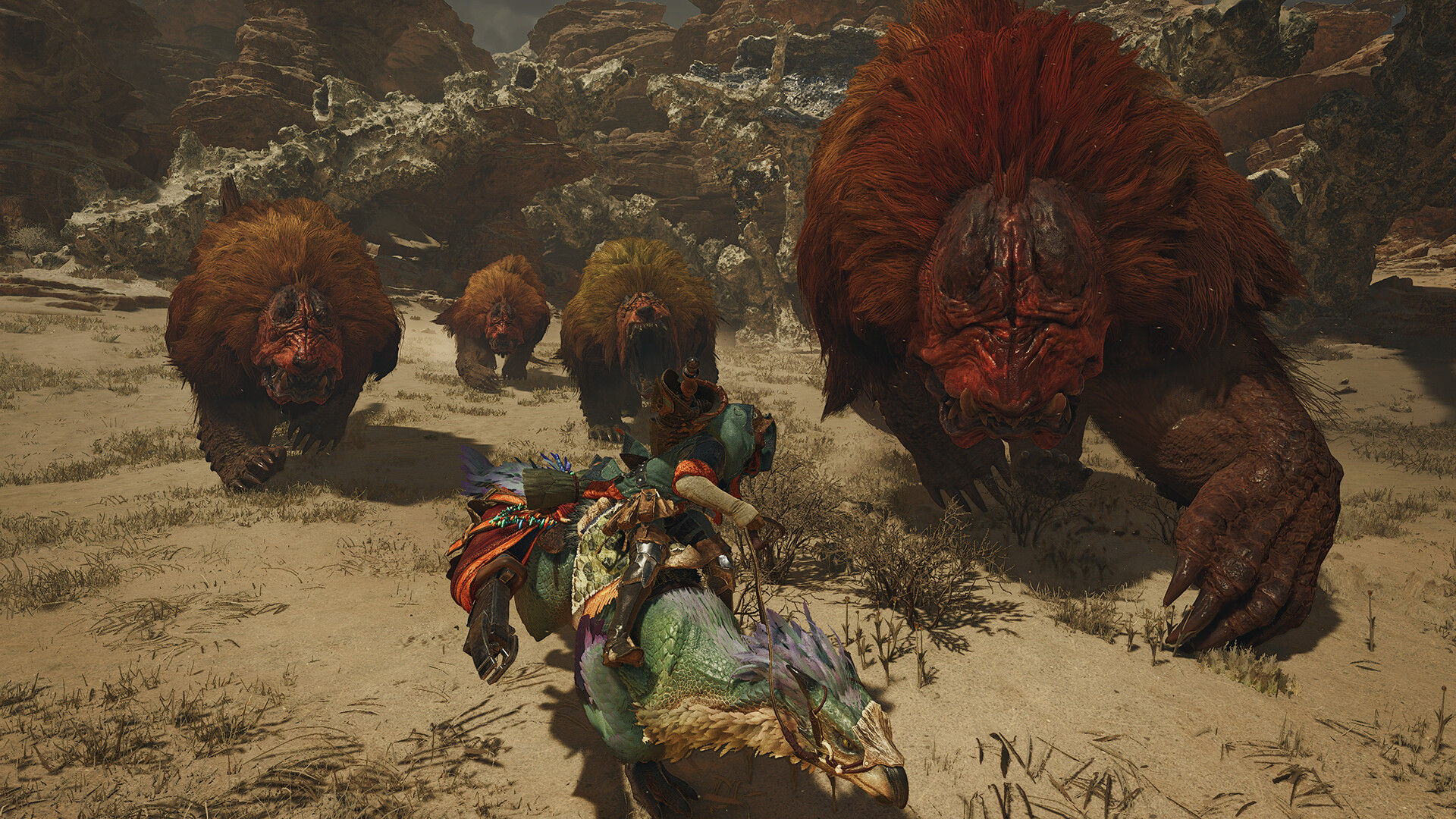
The Monster Hunter franchise carries a legacy of controller-focused design.
- Melee Superiority: While Bowgun users gravitate toward the mouse for targeting weak points, melee players (Great Sword, Long Sword) find the controller vastly superior.
- The Radial Menu: Managing complex item loadouts during a chaotic hunt requires rapid access. Dual analog sticks allow you to maintain movement with the left stick while flicking the right stick to instantly select an item. Keyboard players often rely on clunky hotbars that force fingers away from WASD, leaving them vulnerable.
Open-World Adventures and Driving Mechanics
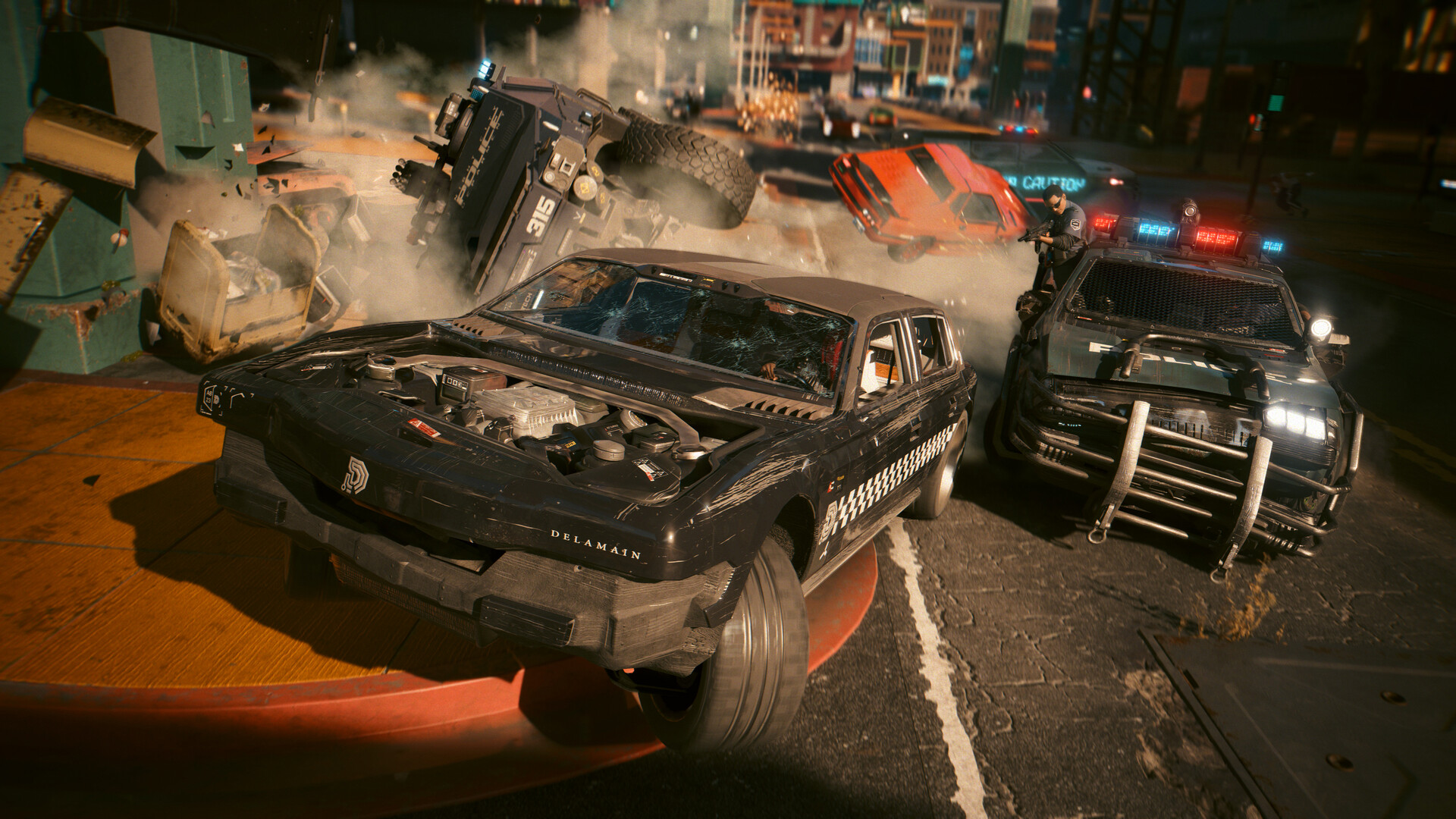
Mass open-world experiences present a highly unique challenge because they blend traditional shooting with vehicular navigation.
- Cyberpunk 2077 & GTA V: Traversing on foot benefits from mouse aiming, but driving exposes the keyboard's limitations. Keyboards lack variable throttle or gentle steering inputs holding "W" floors it, and tapping "A/D" results in jerky, binary steering. Many gamers use a hybrid approach: navigating combat with a mouse, but grabbing a gamepad for satisfying, analog driving segments.
- Outer Wilds: You must fly a fragile spaceship using realistic Newtonian physics. Applying gentle, analog thrust is mandatory. Doing this on a keyboard is an exercise in frustration, as binary inputs fire thrusters at maximum power, sending you careening into the sun.
Isometric Platformers and Metroidvanias
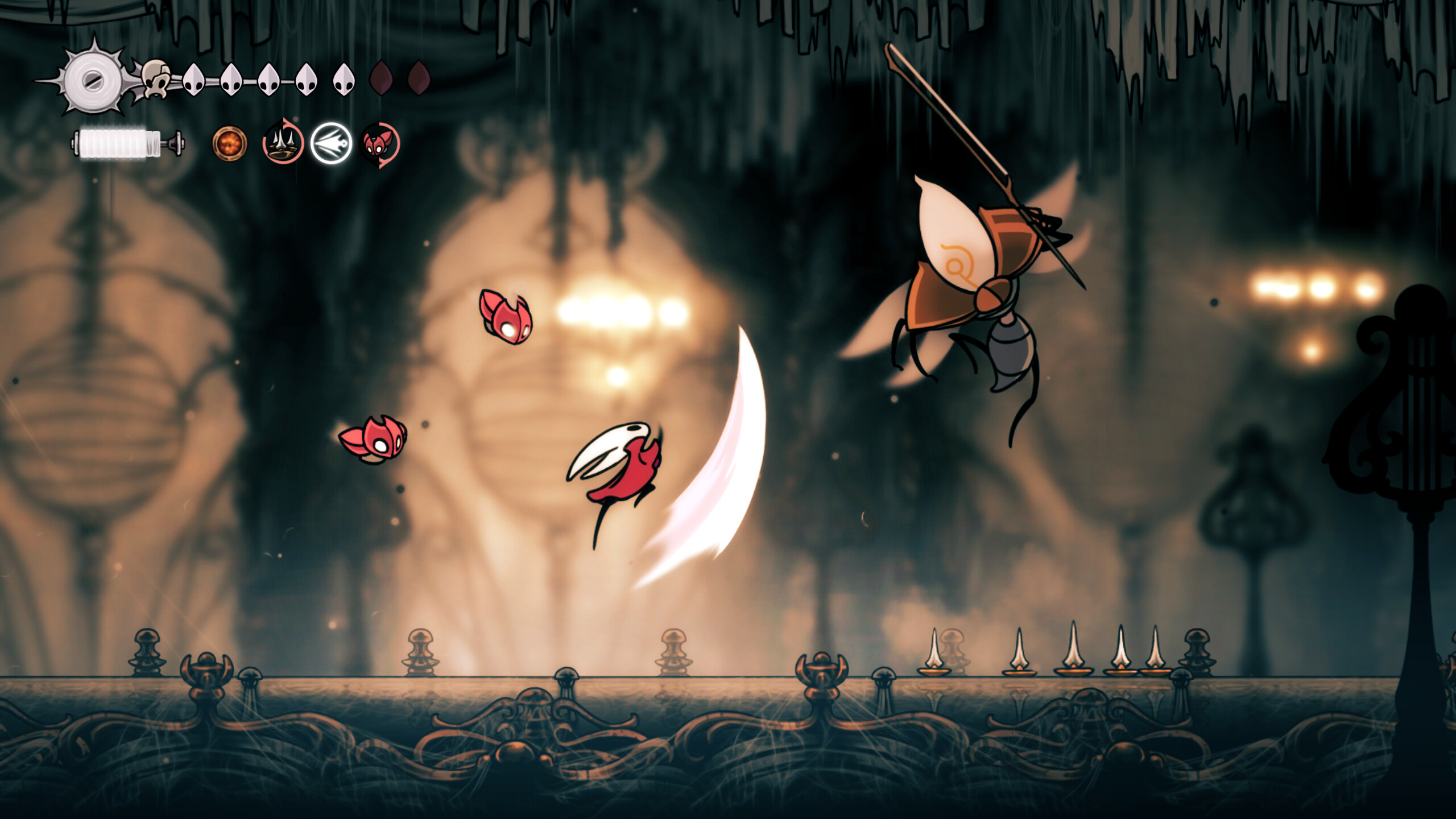
Games with top-down isometric angles or side-scrolling designs are prime territory for gamepads.
- Hades 2 & Hollow Knight: These require precise character movement that cannot be achieved with an eight-directional WASD setup. In Hades 2, dodging magical projectiles relies heavily on 360-degree analog movement. Restricting your movement to a keyboard significantly increases the likelihood of dashing directly into an environmental hazard.
Rocket League: The Ultimate Case Study

If one title universally proves the necessity of a gamepad on PC, it is Rocket League.
- Physics and Momentum: You must control acceleration, braking, ground steering, and aerial pitch, yaw, and roll. Executing a speed-flip on a keyboard requires rapidly stutter-tapping multiple keys to simulate momentum.
- The Competitive Standard: An analog stick provides the exact degree of angular movement required to hit the ball perfectly. The vast majority of professional Rocket League esports athletes compete exclusively on controllers.
Best Amazon Wireless Mechanical Gaming Keyboard Deals for PC in 2026
If you are finally ready to ditch the cables and feel what a real keyboard is like, this guide points you to the best wireless mechanical gaming keyboards worth your money.
Read article →Technical Deep Dive: Latency and Sensors
The Wireless Latency Reality: Bluetooth vs. Dedicated Dongles
A common hesitation when transitioning to controllers is the fear of input lag. The protocol used to connect your controller dictates your latency experience.
- Bluetooth: Convenient and built into most motherboards, but prone to interference from Wi-Fi routers and smartphones. It often introduces an unacceptable 15 to 20 milliseconds of input lag, making fast-paced games feel sluggish.
- 2.4GHz USB Dongles: Modern wireless tech utilizes dedicated dongles that create a private, optimized radio frequency. High-end controllers using these dongles consistently deliver 1 to 2 milliseconds of latency, making them statistically indistinguishable from a hardwired cable.
Controller Sensor Technology Explained
If you are shopping for a premium gamepad, you will see terms like Hall Effect and TMR. Both eliminate physical friction to prevent stick drift, but they work differently:
- Hall Effect: Calculates stick position by measuring changes in electrical voltage as a magnet moves.
- TMR (Tunnel Magnetoresistance): Calculates position by measuring changes in electrical resistance. It is the newer technology, offering lower power consumption, higher data resolution for superior precision, and a cleaner signal favored by esports players.
Frequently Asked Questions
Can I use a wireless console controller on a PC without buying a special adapter?
Yes. Modern controllers (Xbox Wireless, PS DualSense, Switch Pro) feature standard Bluetooth and can pair directly to your PC. However, for the absolute best latency and advanced features (like native haptic feedback), a dedicated wireless dongle or a wired USB-C connection is highly recommended.
Why do PlayStation button prompts not appear in some PC games even with a DualSense connected?
Windows natively utilizes the XInput standard, which is based on the Xbox layout. When software like Steam Input translates the DualSense signal, the game is tricked into believing an Xbox controller is connected. While modern titles often feature native DualSense support, older games may require community mods to display PlayStation shapes.
Can I play games from other launchers (Epic, GOG) using Steam Input customization?
Absolutely. By using Steam's "Add a Non-Steam Game to My Library" feature, the platform treats it as a native application. Launching it through Steam activates the overlay, instantly applying all your custom bindings and radial menus to the external game.
Does playing a PC game on a controller put me at a multiplayer disadvantage?
It entirely depends on the genre. In tactical first-person shooters, a controller faces a massive precision disadvantage against a mouse. However, in vehicular games, fighting games, and third-person action titles, the analog movement of a controller provides a massive mechanical advantage over binary keyboard users. Furthermore, cross-platform shooters often implement strong aim assist for controllers to bridge the gap.
Final Thoughts
The narrative that a mouse and keyboard is the only valid way to play PC games is officially obsolete. Building a high-end rig and refusing to plug in a controller means actively hindering your experience in some of the greatest games released in the last decade. Analog movement, variable triggers, and ergonomic button clustering aren't compromises; they are the optimal tools for action RPGs, racing games, and platformers.
You May Also Like
Best Future-Proof Budget Gaming Laptop for GTA 6
Shopping for a budget gaming laptop for GTA 6? We break down whether to buy now or wait, GTA 6 system forecasts, budget RTX 5060 picks, and step-up RTX 5070 options.
4 Cheapest RTX 5060 Gaming Laptops in 2026
Looking for the cheapest RTX 5060 gaming laptops in 2026? We break down the top 4 budget picks with real specs, honest pros and cons, and who each one is actually for.
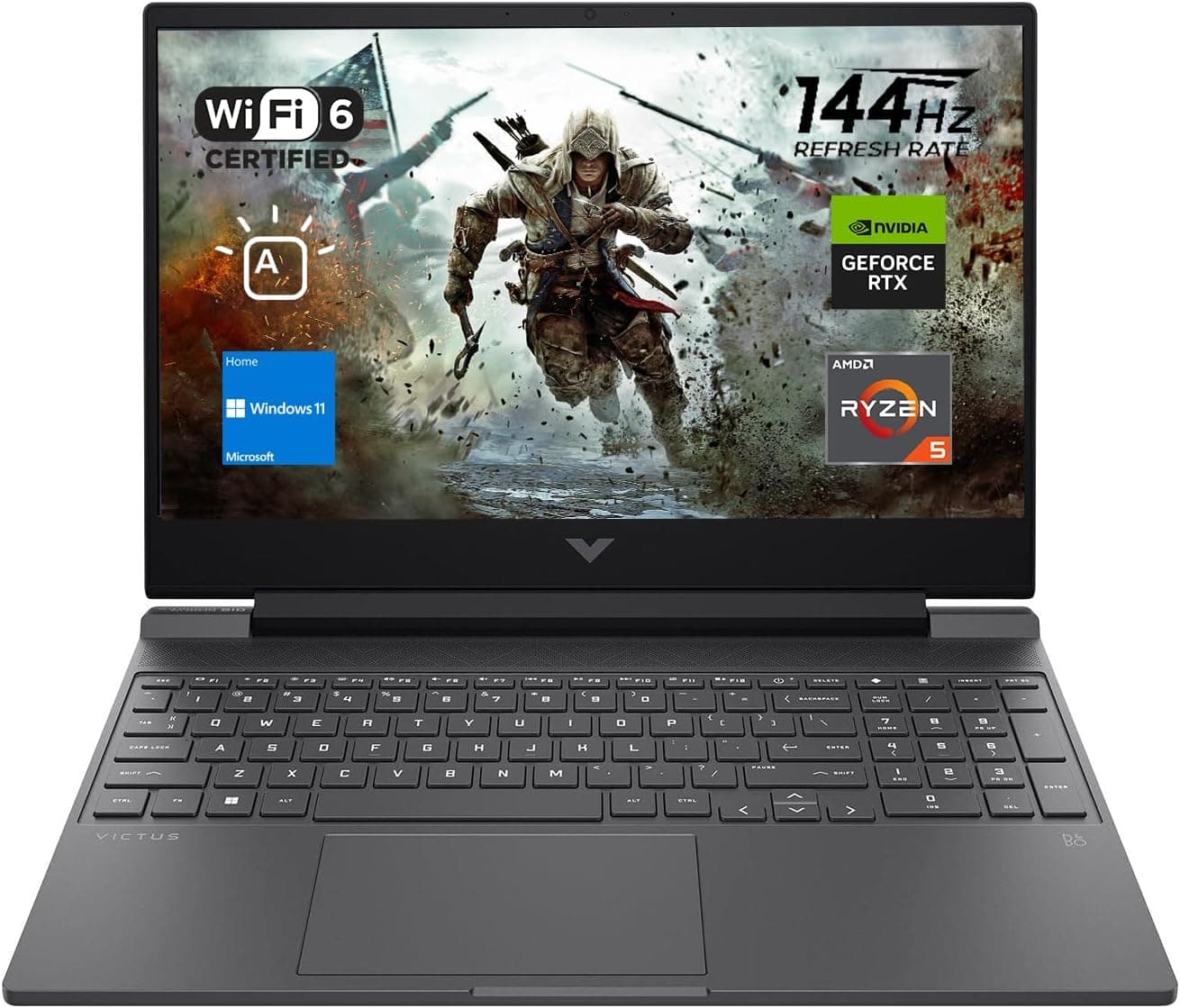
Best Gaming Laptops for College Students Under $1000 in 2026
Buying a gaming laptop for college is different from buying one purely for gaming. A college laptop needs to handle lectures, assignments, research, video calls, and productivity software during the day while still delivering solid gaming performance at night.